
Ableton Live Theme

A warm and understated dark theme for Ableton Live 12.
Deep warm surfaces, soft off-white details and muted semantic colors, designed to stay easy on the eyes during long studio sessions.
FREE
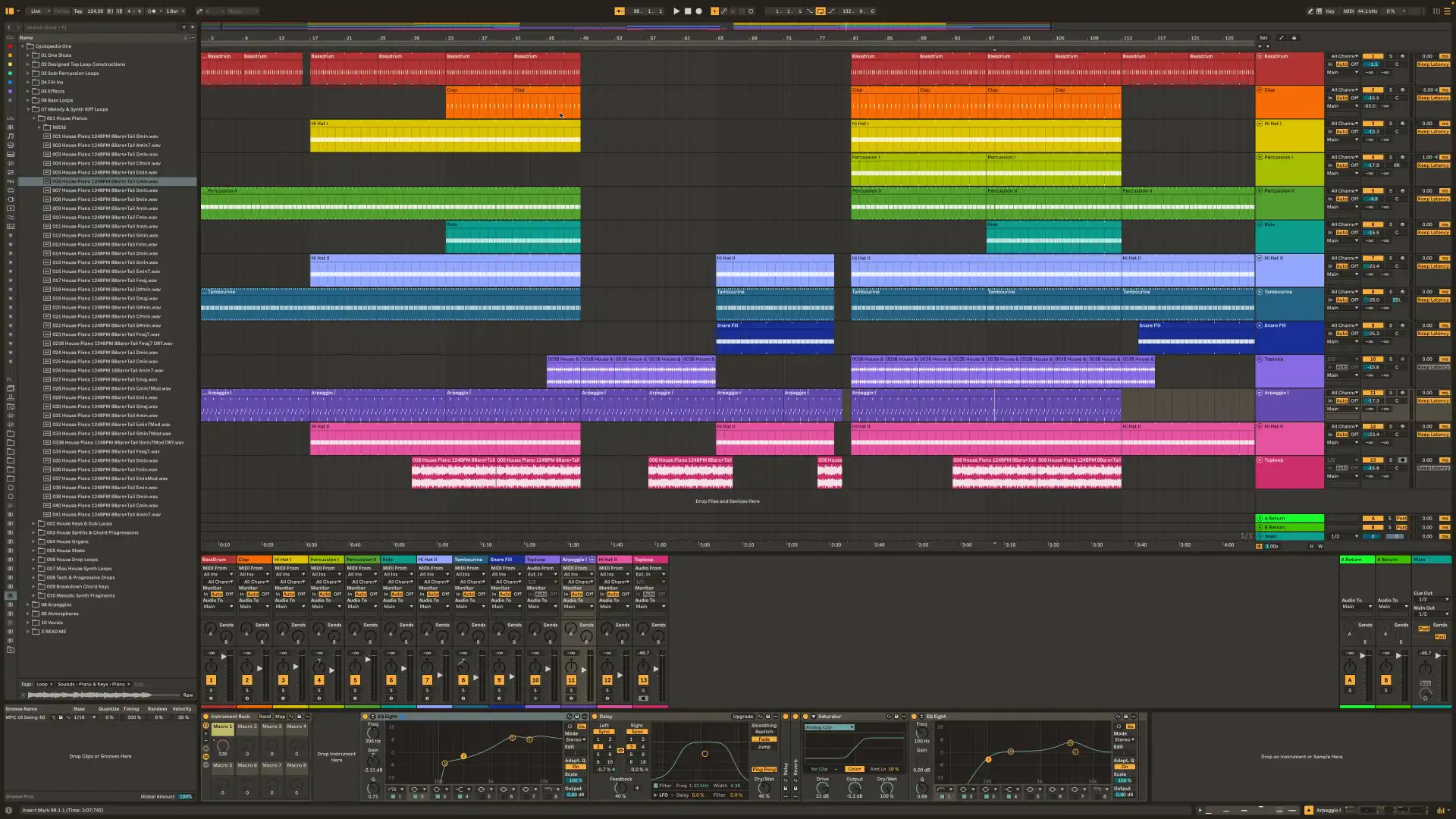
Designed for long sessions
Dark, warm and deliberately restrained.
NOIR was designed as a warmer and more understated alternative to the standard dark interface of Ableton Live. Its colors are balanced to keep important states clear without making the interface unnecessarily loud.
- Warm dark surfaces
- Soft off-white waveforms and MIDI content
- Muted Play, Record, Automation and status colors
- Harmonized VU meter colors
- Carefully balanced active, inactive and disabled states
Installation
Install in a few seconds.
macOS
- Open the Applications folder.
- Find Ableton Live 12.
- Right-click the application and choose Show Package Contents.
- Open: Contents/App-Resources/Themes
- Copy GSILVER Audio Noir for Live.ask into the Themes folder.
- Open Ableton Live and select GSILVER Audio Noir for Live as your theme.
Windows
Copy GSILVER Audio Noir for Live.ask to:
C:\ProgramData\Ableton\Live 12\Resources\Themes\
Then open Ableton Live and select GSILVER Audio Noir for Live as your theme.
Ableton Live updates may replace or remove custom theme files. If NOIR disappears after an update, simply copy the .ask file into the Themes folder again.
Uninstallation
Delete GSILVER Audio Noir for Live.ask from the Ableton Live Themes folder and select another theme in Live.